
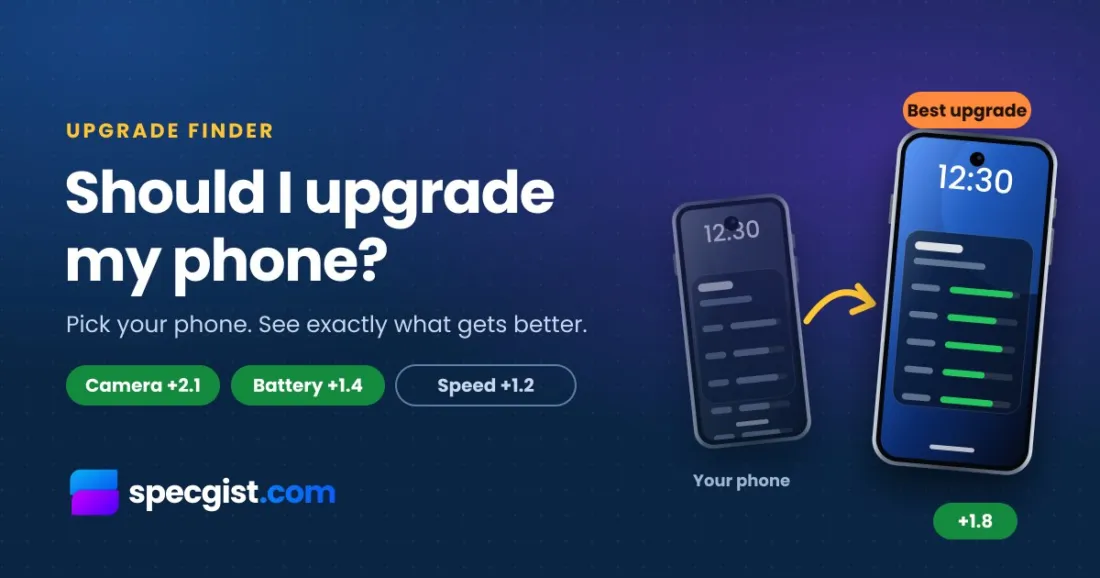
Upgrade finder
Should I Upgrade My Phone?
Tell us the phone or tablet you have now. We will show the best newer ones to move to, and exactly what gets better.
- Same brand or any brand
- Budget to flagship
- Free, no sign-up
Should I upgrade my phone, or keep it a little longer? Pick the phone or tablet you have now and we will show you the best upgrades from the same brand and in every class, with exactly how much better the camera, battery, screen and speed get.
Starting fresh? Take the 1-minute phone quiz → · Use the Device Finder →
Top flagship phones right now
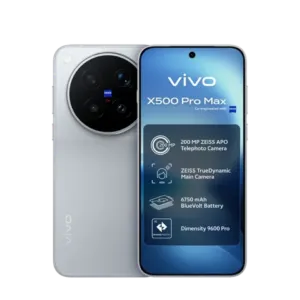
vivo X500 Pro Max
9.5 Excellent · 2026
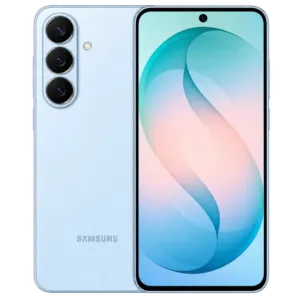
View specsSamsung Galaxy S26+
8.7 Excellent · 2026
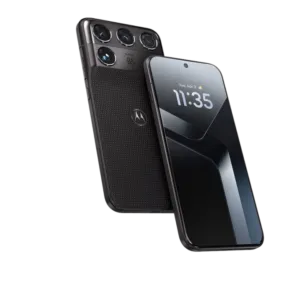
View specsMotorola Signature 27
9.4 Excellent · 2026
View specsXiaomi 18 Pro Max
9.3 Excellent · 2026
View specs
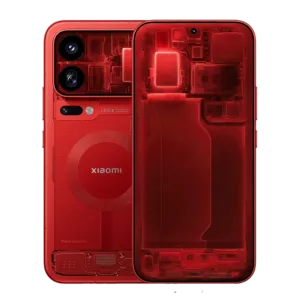
When should you upgrade your phone?
Most people do not need a new phone every year. A phone upgrade makes sense when your current one stops doing what you need. These are the clearest signs:
- No more updates: once a phone stops getting security updates, banking and payment apps can stop working and your data is less safe. Check the Software updates box on your phone’s SpecGist page.
- The battery will not last a day: a worn battery can often be replaced for much less than a new phone, so price that first.
- Apps feel slow: older chips and little RAM struggle with new apps and games.
- Storage is always full: if your phone has no memory card slot, the only fix is a phone with more storage.
- You want something it cannot do: 5G, a real zoom camera, eSIM, wireless charging or water resistance.
How we pick your upgrades
We only suggest phones that are on sale, newer than yours and score higher on the SpecGist Score. You get up to 12 picks in three groups: a small step up (the most affordable upgrades, just above your phone), a big step up (clearly better, without flagship prices) and flagship upgrades (the best you can get). Each one lists its biggest gains.
Before you buy
- Tap Compare with yours to see every spec side by side.
- Open the new phone’s page and check “Will it work in your country?”: some models do not support every network.
- Starting from scratch? Take the 1-minute phone quiz or set exact specs in the Device Finder.
Frequently asked questions
How do I know if I should upgrade my phone?
Upgrade when your phone no longer gets security updates, the battery cannot last a day even after a replacement, apps are slow, or you need a feature it does not have. If none of these apply, keeping your phone is usually the smarter choice.
How does the upgrade finder choose phones?
It looks at every phone or tablet on SpecGist that is on sale, newer than yours and scores higher on the SpecGist Score, then shows up to 12 in three groups: a small step up, a big step up and flagship upgrades. If your phone is less than a year old, it tells you so and shows the few options that still beat it.
What do numbers like “Camera +2.1” mean?
They show how much higher the new phone scores than yours in that part of the SpecGist Score, out of 10. The bigger the number, the bigger the step up. The overall number is the change in the full SpecGist Score.
Why is my phone not in the list?
The list holds every phone and tablet with a spec page on SpecGist. If yours is missing, pick the closest model, or use the phone quiz to find a new phone from scratch.
It says there is no clear upgrade. What does that mean?
Nothing newer on SpecGist scores clearly higher than your phone yet, which usually means you already own a top model. Keep it and check again after the next big launches.
Is it better to upgrade within the same brand?
Staying with the same brand makes moving your apps, photos and accessories easier, so phones from your brand carry a “Same brand” tag. Switching brands can still give you more for your money, so compare both before you buy.